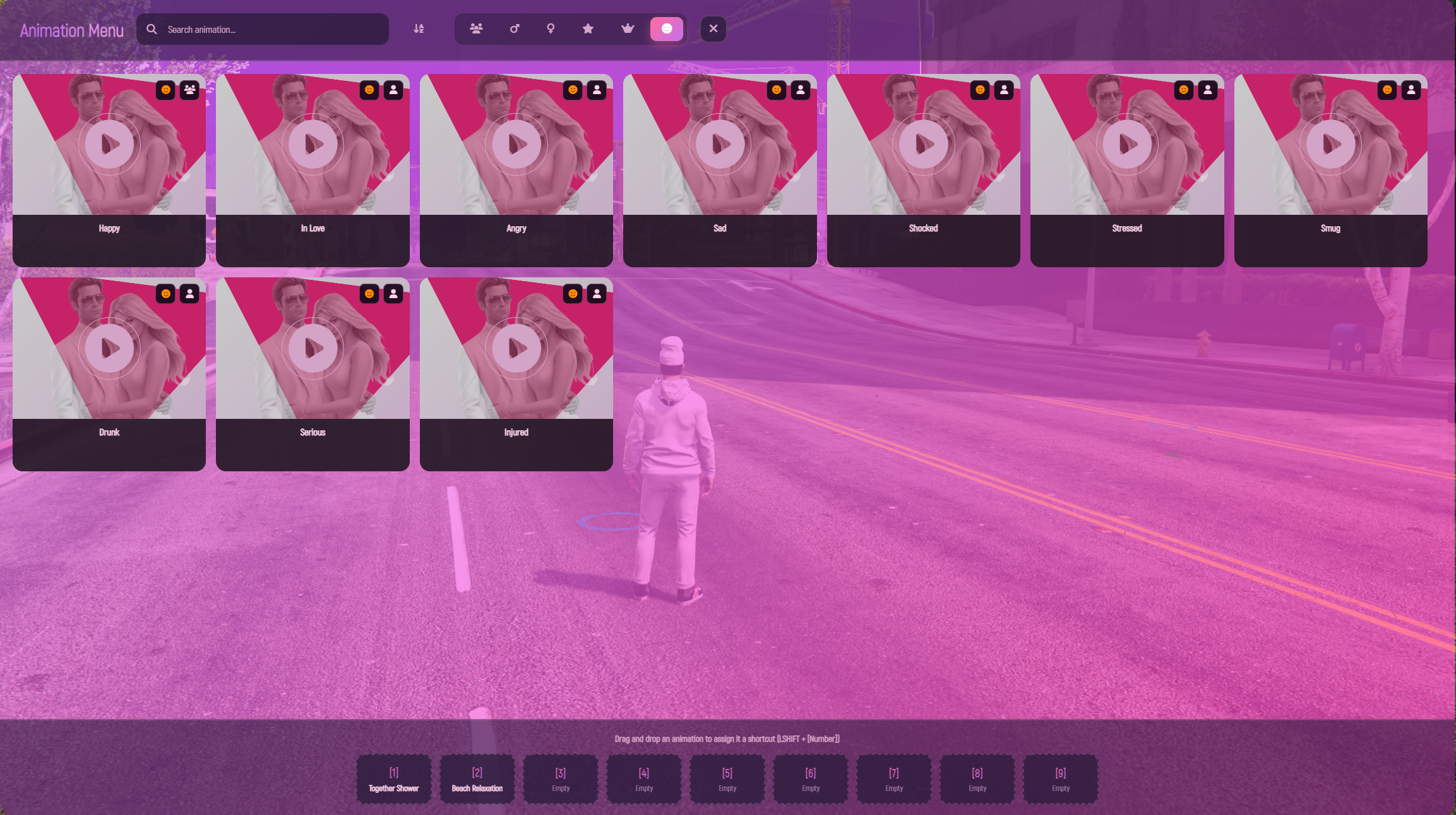
This script is an animation system that allows players to play and synchronize animations with other players. It provides a modern interface for browsing, managing, and triggering animations easily.
⚠️ Important:
This resource does NOT include custom animation mod files.
It is an animation player system that works with:
GTA V default animations
Any custom animations you add yourself in the config
You can freely add, edit, or remove animations in the configuration file.
Play solo or synchronized animations with nearby players using an intuitive interface and invitation system.
Invite nearby players to perform synchronized animations together. The system automatically handles:
Player proximity checks
Invitation requests
Reliable synchronization between players
A fast and optimized interface designed for large animation libraries. Lazy loading ensures smooth performance even if you have thousands of animations configured.
Position animations exactly where you want before starting them.
Features include:
Position adjustment
Rotation control
Mouse-follow placement mode
On-screen control guide
Character ghost preview
The UI uses lazy-loading (virtual scrolling) so the menu opens instantly and remains smooth even with large animation lists.
Quickly search animations using their name or animation ID.
Filter animations by categories such as:
All Animations
Male Animations
Female Animations
Favorites
Mark animations as favorites for faster access.
Assign animations to quick hotkeys by dragging them into the 9-slot quick bind bar.
Example hotkey usage:
Favorites and quick binds are saved locally so your setup stays the same every time you join the server.
Hover over an animation to see its preview image or GIF.
Players receive clear UI notifications for:
Animation invitations
Accept / Decline options
System messages
All animation invitations are processed server-side to prevent exploits.
Players cannot invite others if they are too far away (distance configurable).
Invitations automatically expire after 5 seconds to prevent spam.
Animations automatically stop if:
The player starts shooting
The cancel key is pressed
Default cancel key:
Animations can be played using commands.
Example:
Animations can automatically attach props such as:
Phones
Drinks
Other objects
Props will appear with correct positioning and rotation.
Supports multiple animation behaviors including:
Loop animations
Non-loop animations
Movable animations
Fully synchronized paired animations
All UI text and notifications are located in:
This allows easy translation into any language.
All keys can be configured in Config.lua, including:
Menu open key (default: F5)
Sync accept / decline keys
Quick bind keys
Placement tool controls
You can add unlimited animations inside:
Simply add new entries for your own animations.
This script has no framework dependency.
Compatible with:
ESX
QBCore
Standalone servers
The resource is organized into:
Client logic
Server logic
NUI interface
making it easy to maintain and integrate.
Players can perform shower animations alone or with another player.
Features include:
Custom placement before starting
Synchronized animations
Automatic clothing restoration when finished
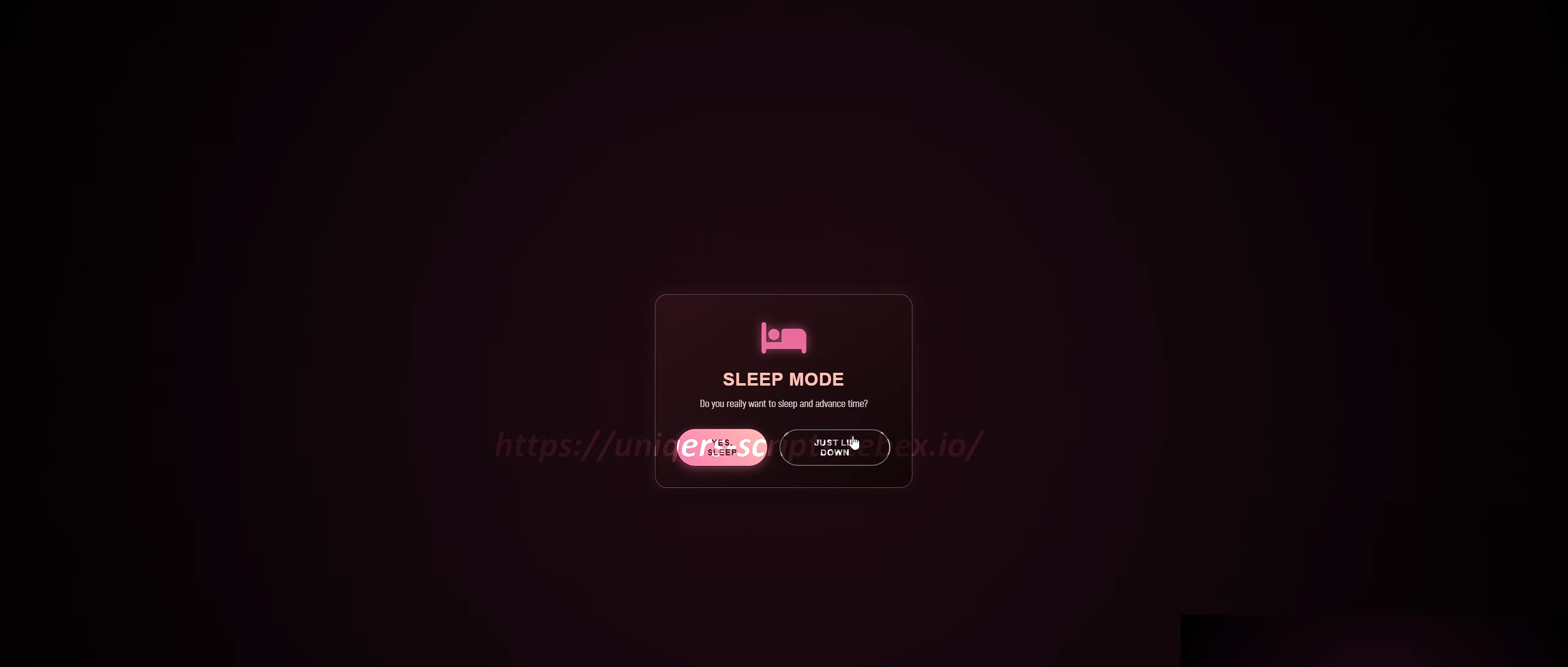
Players can sleep alone or together.
Two options are available:
Sleep Animation Only
Plays the animation without changing game time.
Sleep With Time Progression
Advances the in-game time by a configured number of hours.
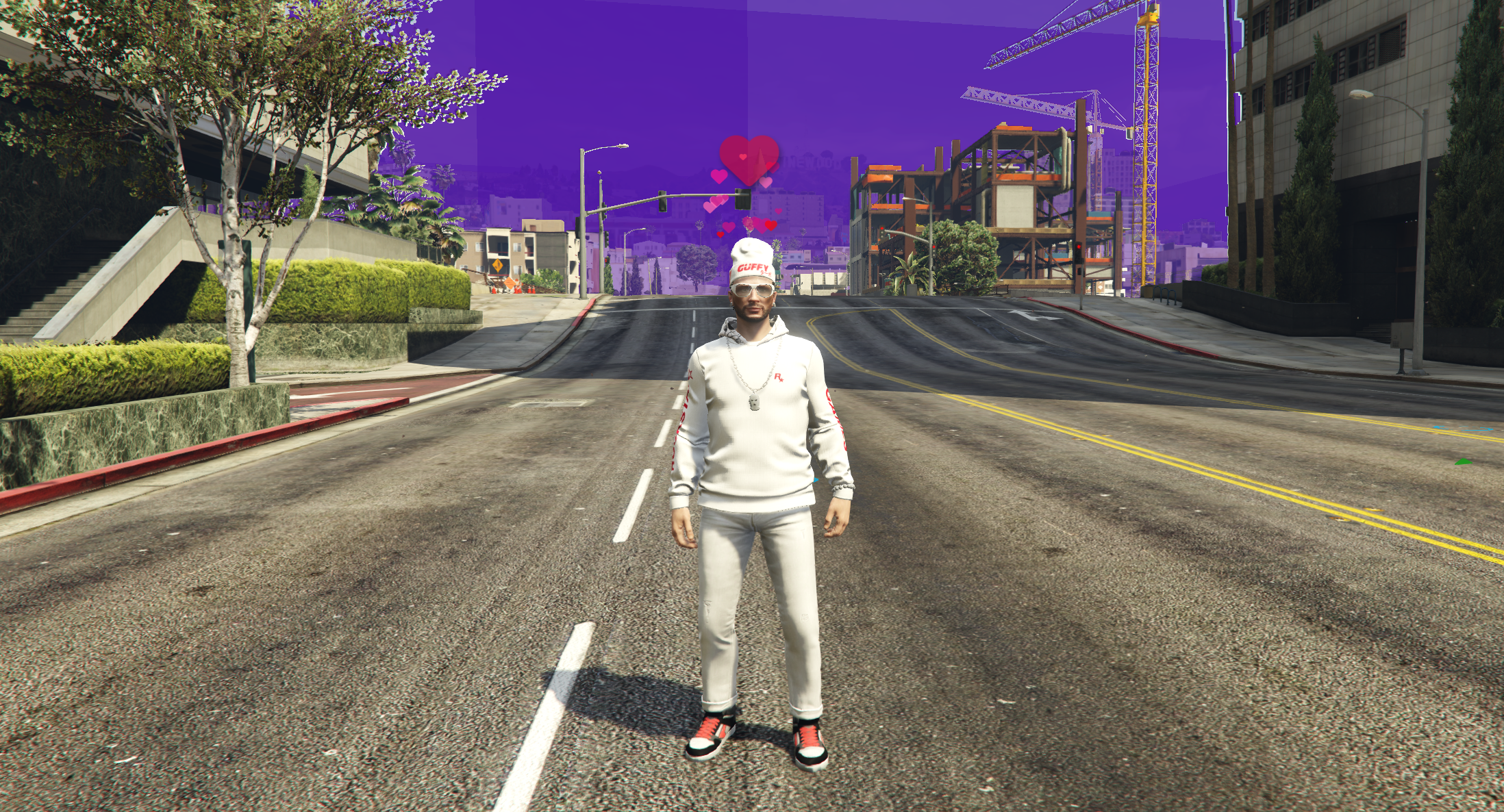
Players can trigger visual expressions.
When activated:
An emoji appears above the player's head
A matching sound effect plays
Players can also trigger expressions together with another player.